Install a VM in a ARM MAC Using UTM (English)
Install a VM in a ARM MAC Using UTM (English)
I wanted to have linux in my mac.
The very first thought was to use either a paid solution like parallel or the old good VirtualBox.
But then, my pal chatGPT, told me about UTM and, I have to say, looks wonderful.
It’s easy peasy:
Go to https://mac.getutm.app/ (OK, maybe the landing could be more impressive. But there is nothing bad in using Free landing page templates!! )
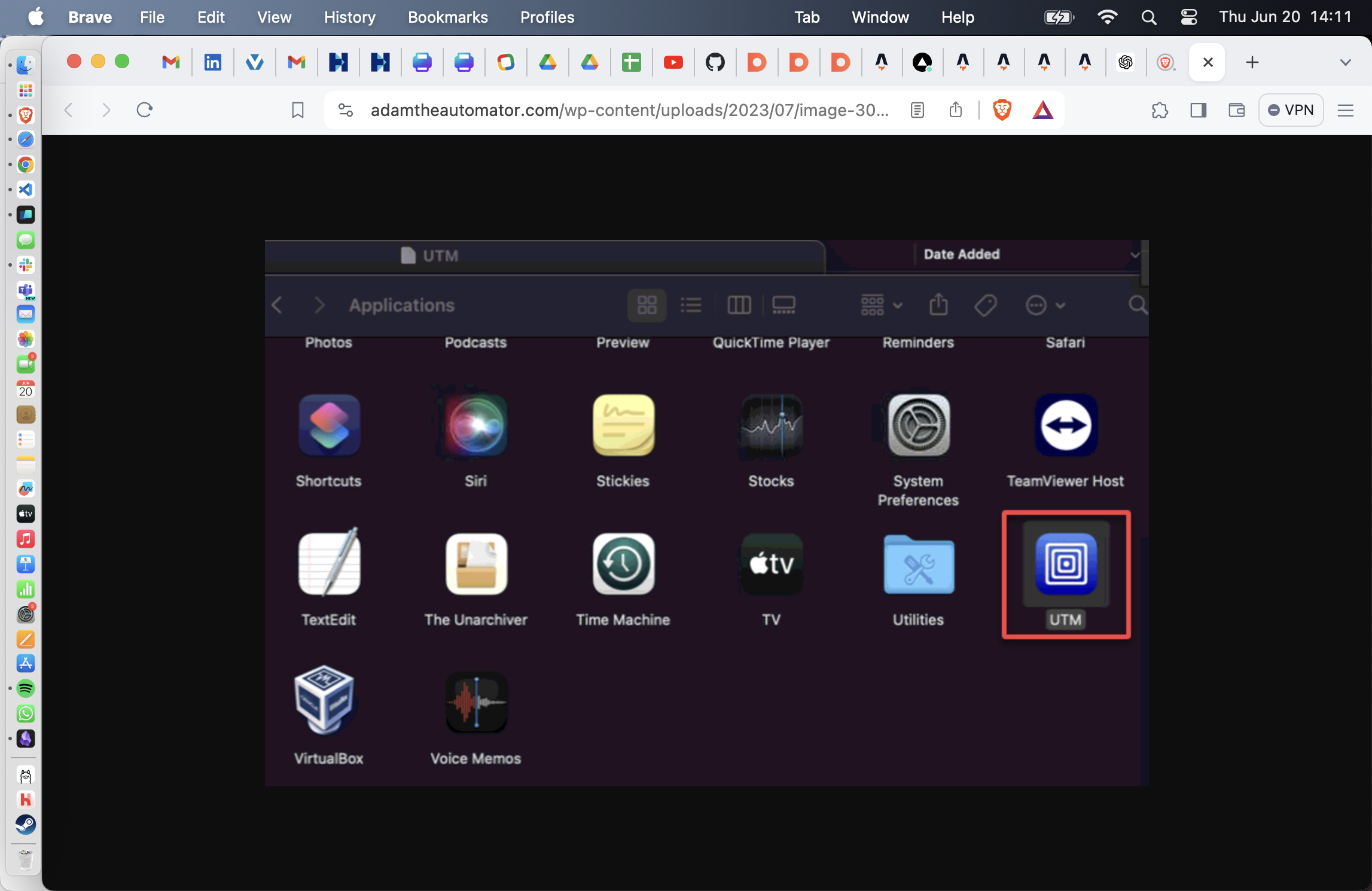
Click Download and install it as any other mac app, and open it
Once you have opened UTM, just browse UTM gallery, choose the OS you want to install and that’s it.
You have now a new OS system running in your machine. In my case linux 22
Of course you have plenty of configuration options but as I always say: stop procrastinating nerd-tools, do what you wanted to do straight away (and I guess you are not here to be a UTM expert right?)
Thanks UTM maintainers.